A quiet sentence / one charged phrase
Keep the calm.
Live browser lightbench
00 / Start here
Download Back To CSSScript.Com
A hands-on field guide to text, imagery, color, shapes, feedback, and particles in one quiet dark room.
01 / Type signal
Change the requested intensity, then send one controlled swell through the same real text.
A quiet sentence / one charged phrase
Keep the calm.
02 / Image studies
Each pair uses the same source. Adjust the highlight layer and compare the result without changing the image file.
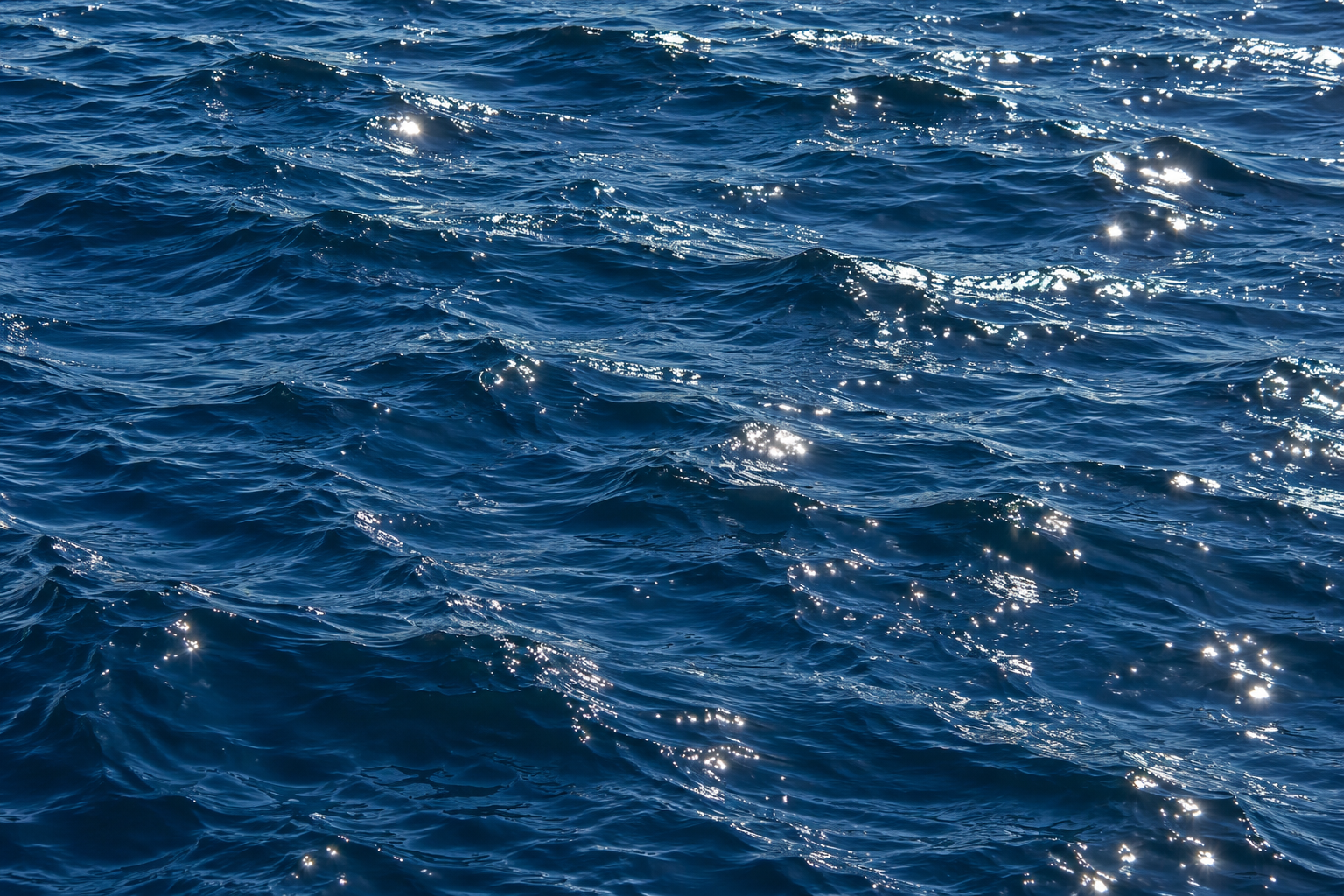
Small reflected points are left intact while the brightest water catches more headroom.
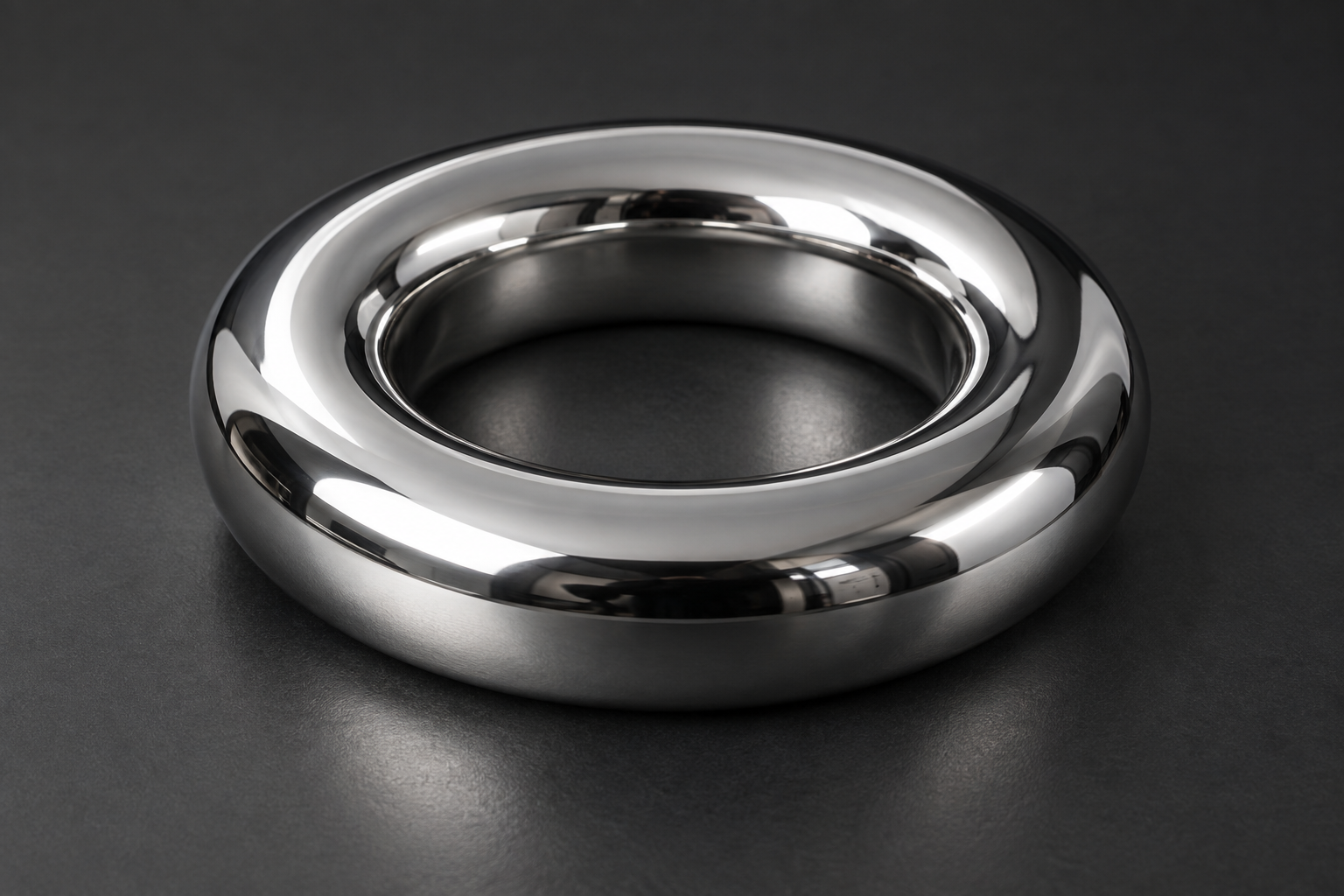
Narrow studio reflections show the renderer tracking precise bright edges.
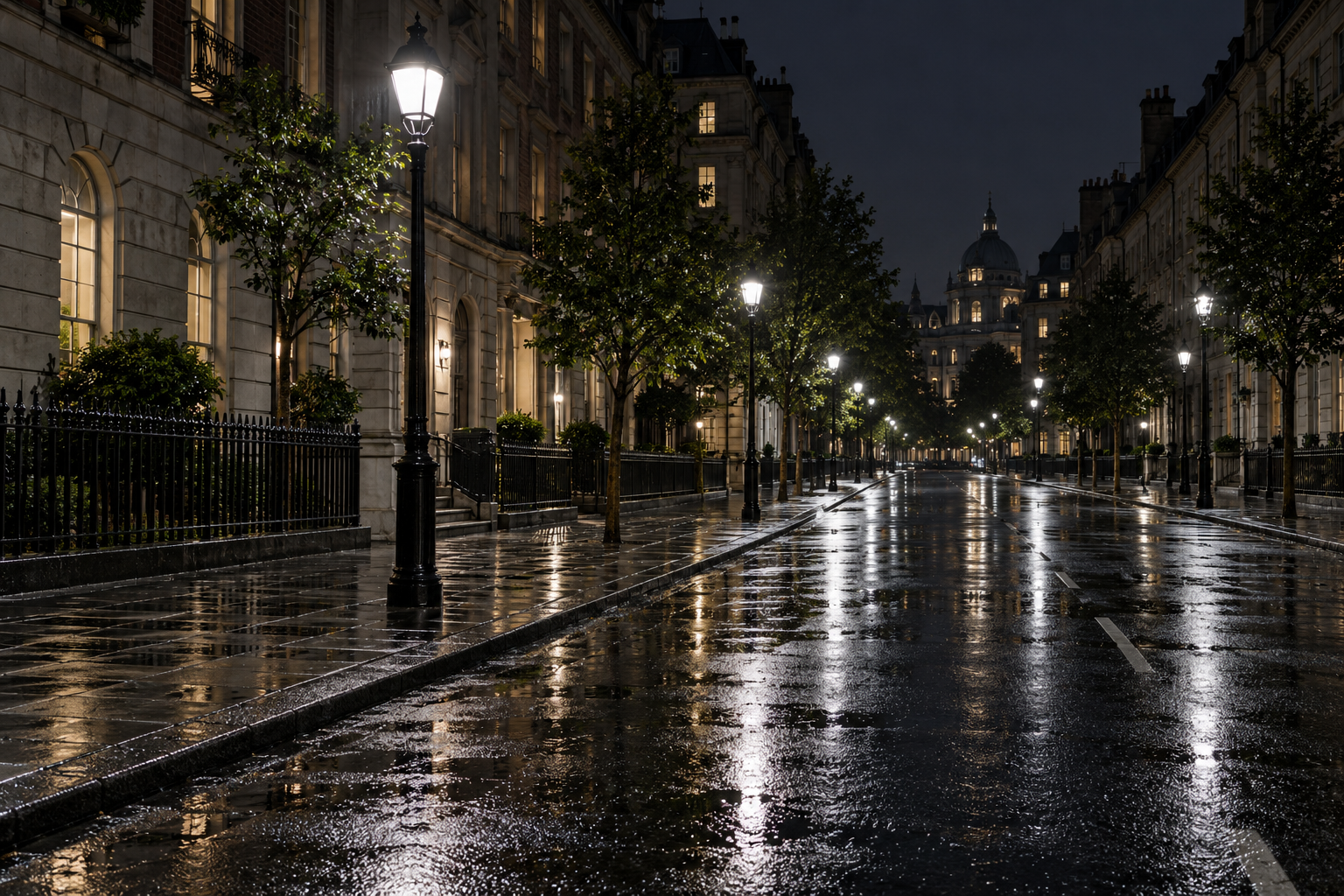
Street lamps and their reflections gain separation from the dark pavement.
03 / Color range
Compare a real wide-gamut image, then try a colored image and a colored phrase with the same small wrapper.
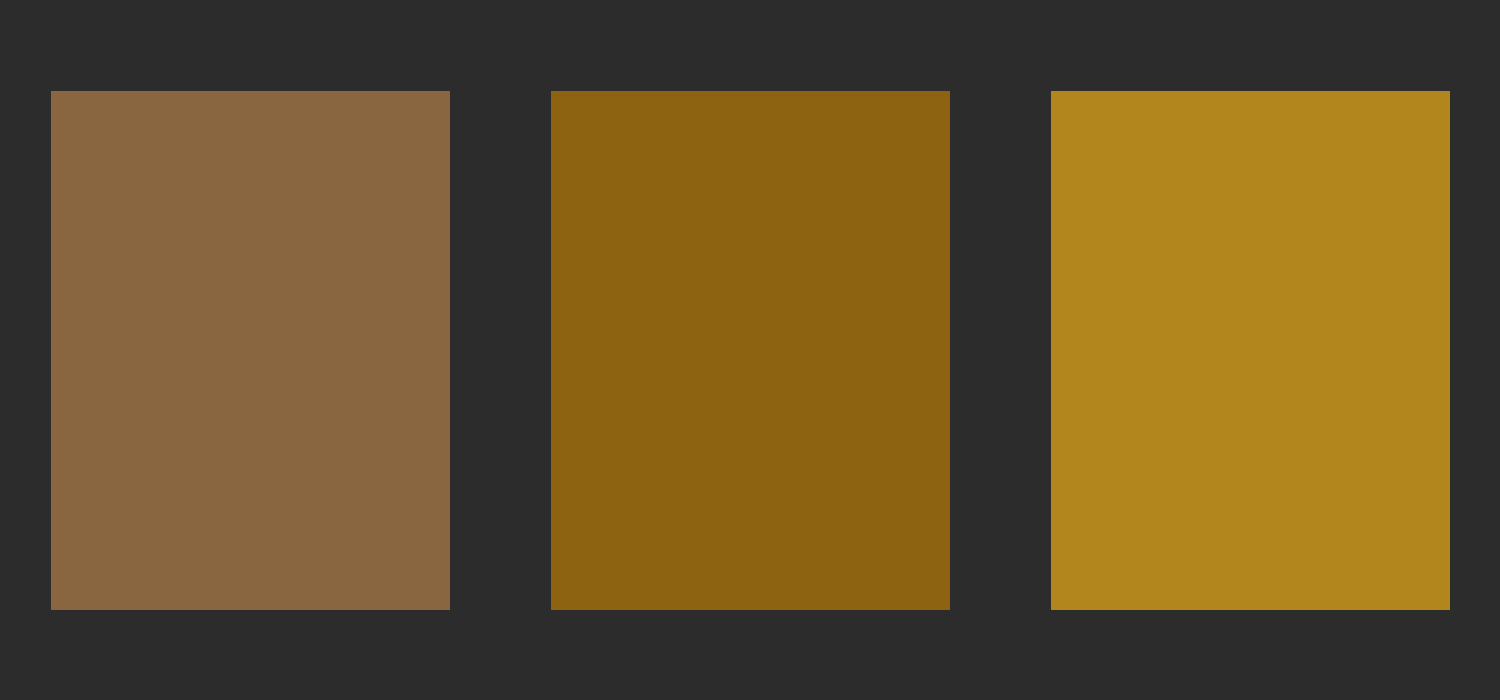
Colored image / all pixels
Colored text / Display P3 orange
<bright-image boost="all" intensity="5">
  <img src="icon.svg" alt="Orange icon" />
</bright-image>

<bright-text color="color(display-p3 1 0.35 0)" intensity="5">
  Orange, brighter.
</bright-text>
04 / Shape atlas
The native shape set is intentionally small. Every example below is live, and the studio can rewrite its attributes in place.
Try a single brightness pulse.
05 / Response system
Loading, success, warning, error, selection, and edge feedback all stay attached to ordinary HTML controls.
Loading
06 / Surface feedback
Hover, press, select, load, and run a short sequence. The original controls remain native and the light sits above them.
Pointer light, ripples, selection, and loading share one controller.
Ready. Move across the surface.
Charge the panel, sweep its edge, finish with a small particle burst, then return to idle.
No sequence running.
const surface = brightenSurface(card, {
  color: "#dcff63",
  ripple: true,
  loading: false,
});
07 / Motion lab
Sparks, trails, holds, swipes, and drags are all local. Try them with a mouse, a thumb, or a keyboard.
Pointer trails follow the page when enabled
Preparing the particle field.
const particles = createParticleEffects();
particles.burstFrom(button, { count: 96, flutter: true });Release early to cancel.
Reach the end and release. End + Enter also works.
Arrow keys adjust. Enter commits.