


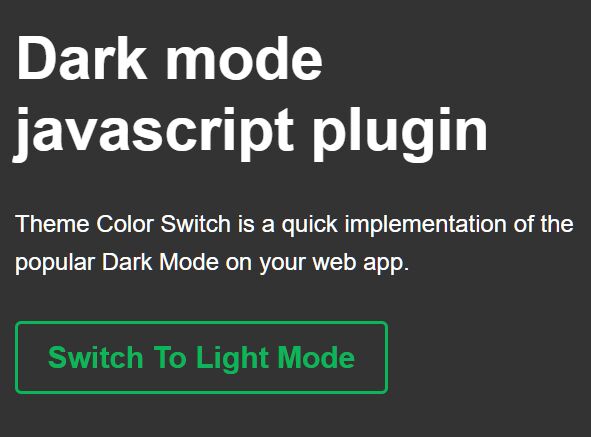
Theme Color Switch is a quick implementation of the popular Dark Mode on your web app.
The library uses HTML5 local storage to store the current theme mode in the browser.
How to use it:
1. Download the package and insert the following files into the HTML page.
<link rel="stylesheet" href="dist/theme-color-switch.css" />
<script src="dist/theme-color-switch.js"></script>
2. Create a toggle element to switch between Dark and Light modes.
<div class="theme-color-switch"
     data-text-on="Switch To Light Mode"
     data-text-off="Switch To Dark Mode">
</div>
3. Initialize the library and determine the target container on which you want to enable the Dark Mode.
new ThemeColorSwitch('.container');See Also:
 Minimal Automatic Dark Mode Library – Umbra
 Smooth Dark & Light Mode Toggling Library for Web App – DayniteJS
 Customizable Dark Mode Toggle Component In TypeScript
 Auto and Manual Dark Mode Switch in JavaScript – dark-light-toggle
 Implement System-Aware Dark Mode with ThemeToggle.js
 Toggle Between Dark & Light Modes With The Theme Toggle Web Component
 Automatic Dark Mode Switching For Bootstrap 5
 Minimalist Dark Mode Solution – lightDarkTheme