


realistic-typewriter.js is a JavaScript library used to mimic the typewriter text typing/deleting effects just like the terminal. Written in CoffeeScript.
How to use it:
Load the compiled & minified version of the realistic-typewriter.js in your html page.
<script src="typewriter-bundle.min.js"></script>
The HTML structure.
<span id="typewriter" class="typewriter"></span> <span class="caret"> </span>
The basic usage:
var typewriter = require('typewriter');
var twSpan = document.getElementById('typewriter');
var tw = typewriter(twSpan).withAccuracy(95)
                           .withMinimumSpeed(5)
                           .withMaximumSpeed(17)
                           .build();
tw.put('$ ')
  .waitRange(500, 1000)
  .type('ls realistic-typewriter.js')
  .put('<br/>')
  .waitRange(1000, 1500)
  .put('ls: realistic-typewriter.js: No such file or directory<br/>')
  .put('$ ')
  .waitRange(1000, 1500)
  .type('exit')
  .put('<br/>')
  .wait(500)
  .put('logout<br/><br/>')
  .put('[Process completed]<br/>');
Changelog:
v0.2.3 (10/08/2018)
- Update
See Also:
 Advanced Typewriter Animation Library – TypeFX.js
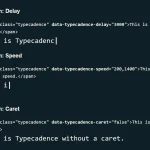 Natural Typing Animations In JavaScript – Typecadence
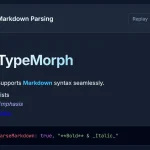 Text Typing Animations with Real-time Markdown/HTML Rendering – TypeMorph
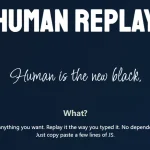 Create Realistic Typing Animations With Human Replay
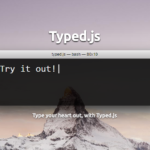 Highly Configurable Text Typing Library – typed.js
 Create Smooth Looping Typewriter Effects with Typewriter.js
 Easy Text Typing and Deleting JavaScript Library – TextScript.js
 Add Typing Animations to Your Site with Typing.js
i here so texts by related fully understanding cant im. better understand to this texts which method needs?