


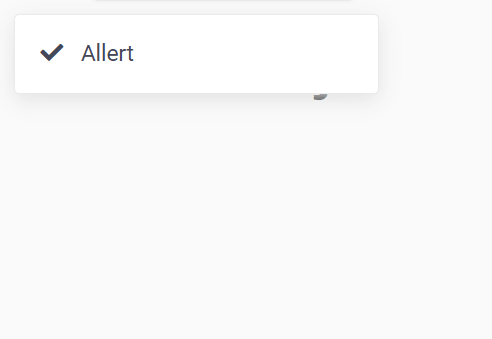
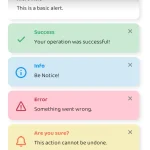
A minimal, clean notification JavaScript library for displaying toast-like alert messages on the web app.
Features:
- Auto dismisses after a timeout.
- Custom icons.
- Predefined warning, danger, info, success types.
How to use it:
Download and insert the Allert’s files into the web page.
<link rel="stylesheet" href="allert.css">
<script src="allert.js"></script>
Create a default alert message on the screen.
allert('Alert Message Here');Add a custom icon to the alert message.
allert('Alert Message Here', {
  icon: "fa fa-check" // uses Font Awesome
});
Change the notification type.
allert('Alert Message Here', {
  // or warning, danger, info
  type: 'success'

});
Customize the duration of the notification in ms. Default: 2 seconds.
allert('Alert Message Here', {
  'duration': '5000'
});
Specify the container to which the alert notification should be appended.
allert('Alert Message Here', {
  'container-id': 'body'
});
Changelog:
05/05/2020
- JS updated
08/11/2019
- JS updated
04/04/2019
- JS updated
01/02/2019
- Remove tabler, add icon
12/29/2018
- Added default icon to each type of allert
See Also:
 Advanced Alert Notification System For Bootstrap 5 – AvalynxAlert.js
 Lightweight JavaScript Notification System – Simple Display Alert
 Sleek Toast & Growl Alert Notification Library – Nostfly.js
 Create iOS-Style Popups & Notifications With Popup JS Library
 Simple & Stylish JavaScript Alert Notifications – SnapAlert.js
 Notification/Dialog/Loading Indicator JavaScript Library – Fnon
 JavaScript Plugin For Custom Toast Notifications – Simple Notify
 Customizable Alerts & Dialogs Made Easy – Yoyo Popup