


A simple JavaScript modal class for creating animated, maximizable, nice-looking alert and confirmation dialog boxes.
How to use it:
1. Load the necessary Material Icons and Animate.css (for CSS3 animations) in the document.
<link rel="preconnect" href="https://fonts.googleapis.com">
<link rel="preconnect" href="https://fonts.gstatic.com" crossorigin>
<link href="https://fonts.googleapis.com/icon?family=Material+Icons" rel="stylesheet">
<link rel="stylesheet" href="https://cdnjs.cloudflare.com/ajax/libs/animate.css/4.1.1/animate.min.css" />
2. Download and load the modal library in the document.
<link rel="stylesheet" href="./modal/css/modal.css" />
<script defer src="./modal/js/modal.class.js"></script>
3. Create a new modal instance.
let modal = new Modal({
    title: 'Modal Title',
    content: 'Modal Content',
})
4. Show the modal window.
modal.show()
5. Add custom action buttons to the modal window.
let modal = new Modal({
    title: 'Modal Title',
    content: 'Modal Content',
    buttons: [
      {
        title: 'Accept',
        type: 'primary',
        action () {
          modal.close()
        }
      }, {
        title: 'Cancel',
        type: 'red',
        action () {
          modal.close()
        }
      }
  ]
})
See Also:
 Create Dynamic Draggable Alert/Confirm Popups – webcimes-modal
 Customizable Alert/Confirm Modal Library – modal-alert.js
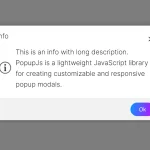 Minimal Alert & Confirmation Modals in JavaScript – PopupJs.js
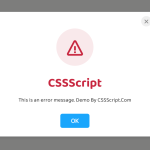 Create Custom Stylish Dialogs with SnapDialog JavaScript Library
 Create iOS-Style Popups & Notifications With Popup JS Library
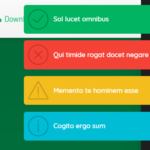 Elegant Notification Popup JavaScript Library – Notiflix
 Simple & Stylish JavaScript Alert Notifications – SnapAlert.js
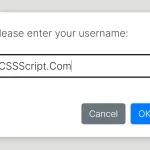 Async, Promise-based Alert/Confirm/Prompt Dialogs – Prompts.js