


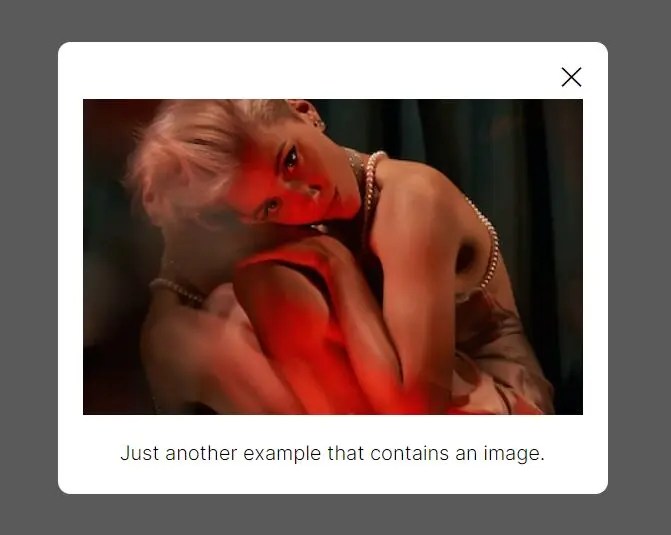
Smallbox is a lightweight JavaScript plugin that creates a modal popup to display inline content on top of the page.
Once set up, the target content is displayed in a modal window when the user clicks the trigger element. This is great for creating responsive popups, notifications, prompts, and more without reloading the entire page.
How to use it:
1. Include the Smallbox’s JavaScript and CSS in the document.
<link rel="stylesheet" href="/dist/smallbox.min.css" />
<script src="/dist/smallbox.min.js"></script>
2. Create a trigger element (like a button) to launch the modal popup.
<button class="open">
  Launch The Modal
</button>
3. Initialize the Smallbox plugin.
var smallbox = new SmallBox();
4. Enable the trigger element to display the content (#mycontent) in the modal popup.
<div id="mycontent">
  ...
</div>
smallbox.add("#mycontent", ".open");Changelog:
v0.2.0 (08/29/2023)
- Bugfix
See Also:
 A Basic Responsive Grid Layout with CSS & CSS3
 Pure CSS Expanding Search Box
 Mobile-first JavcaScript Slider Library – VibeSwiper
 Create A Stopwatch Using Radios and Pure CSS / CSS3
 Create Realistic Liquid Glass UI with RealGlass Library
 Emoji Picker With Autocomplete In JavaScript
 Creating Scroll Based Animations With Pure JavaScript – ScrollTrigger
 Draggable Liquid Glass Effect with JavaScript and SVG Filters