


Classless CSS frameworks style native HTML elements directly.
One stylesheet handles headings, forms, tables, buttons, and navigation, often with no extra classes in the markup.
In this post, I picked 10 best open-source Classless CSS frameworks around the world, including Sakura and MCSS for typography, MVP.css for landing-page sections, and Sumi.css for responsive grids and UI components.
Take a look at their demos and see which ones you’d like to try.
Quick Comparison
| Framework | Best For | Features |
|---|---|---|
| Simple.css | Blogs and documentation | Page sections, automatic dark mode, optional notices |
| Water.css | HTML prototypes | Drop-in styling, three theme stylesheets |
| MVP.css | Landing pages | Semantic sections, cards, calls to action |
| new.css | Notes and personal pages | Clean typography, optional themes |
| Sumi.css | Sites with varied UI elements | Grids, native component styling, theme variables |
| dev.css | Personal and small project sites | Preset themes, optional header styles |
| Sakura | Reading-focused sites | Single-column typography, alternate themes |
| MCSS | Editorial websites | Georgia and Verdana themes, dark mode |
| Magick.css | Distinctive long-form pages | Book-inspired typography, sidenotes |
| Pico.css | Semantic HTML and forms | Extensive form styling, CSS components, themes |
Simple.css
Simple.css styles semantic HTML as a clean, responsive website. It pays particular attention to the structure of a page, including its header, navigation, main content, and footer. Its straightforward design works well for blogs, project documentation, and personal sites.

Buttons
Features:
- Automatic light and dark color schemes.
- Styled forms, tables, articles, and navigation.
- CSS custom properties for colors and typography.
- Optional
.buttonand.noticeclasses.
Water.css
Water.css gives an existing HTML document a cohesive design as soon as you load the stylesheet. Headings, links, buttons, tables, and form controls receive ready-made styles. It’s particularly handy for prototypes, small web utilities, and HTML pages that already have their content in place.

Features:
- Drop-in styles for native HTML elements.
- Automatic theme based on system settings.
- Dedicated light and dark CSS builds.
- Responsive default typography and form controls.
MVP.css
MVP.css styles common landing-page sections with semantic HTML. Headers, navigation, content sections, cards, and calls to action get a consistent presentation, which makes it useful for product previews, startup pages, and small promotional websites.

Features:
- Styled
<header>,<nav>,<section>, and<aside>elements. - Buttons, forms, cards, and callout sections.
- CSS variables for colors, spacing, and dimensions.
- Dark-mode preferences via
<html color-mode="user">.
new.css
new.css creates a simple reading layout for notes, articles, and small HTML websites. Its typography, spacing, tables, and form styles work together with very little markup. The project also has additional themes for pages that need a different color scheme.
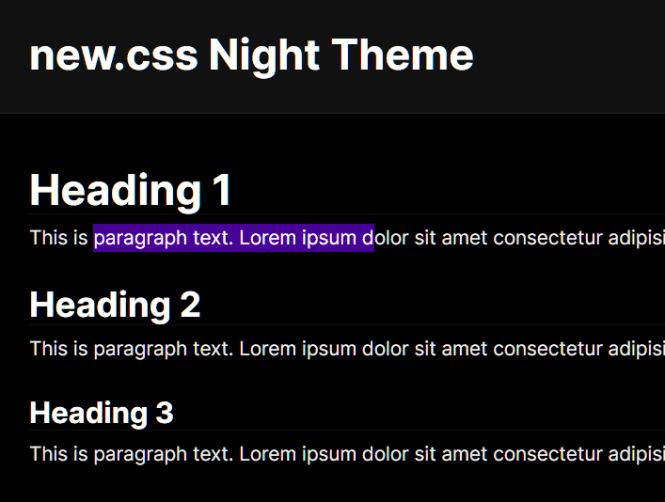
Night Theme
Features:
- Styles for ordinary HTML elements.
- Automatic dark-mode styling.
- Night and Terminal theme stylesheets.
- CSS custom properties for fonts and colors.
Sumi.css
Sumi.css starts with styled semantic HTML and expands into a larger collection of CSS UI patterns. It includes forms, tables, cards, dialogs, dropdowns, and responsive layouts. Its optional classes are useful when a page needs a grid, a different button style, or extra component styling.
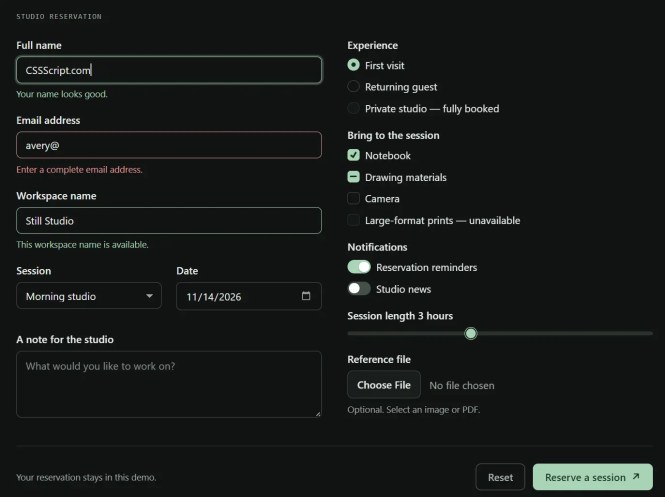
Features:
- Responsive grids and layout utilities.
- Styled native dialogs,
<details>menus, and forms. - Button variants, tooltips, and callouts.
- Automatic dark mode and
data-themeoverrides. - CSS variables for colors, fonts, and spacing.
dev.css
dev.css styles standard HTML and comes with several ready-made themes. Its different color treatments work well for personal sites, portfolios, link collections, and small projects where the default appearance is part of the appeal.
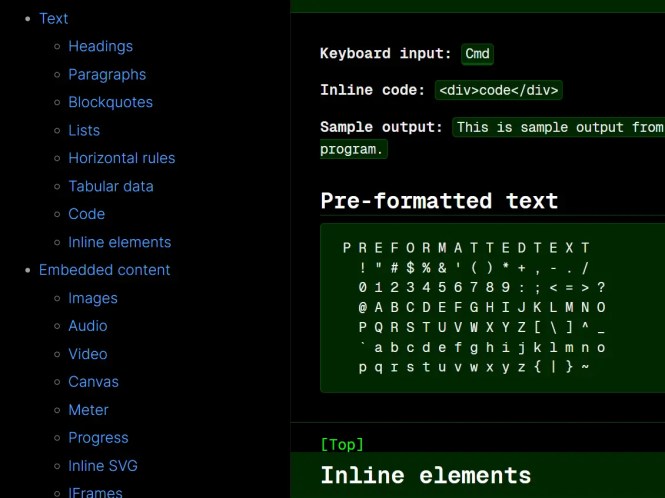
Features:
- Day, Night, Terminal, and Catppuccin themes.
- Styled text, links, forms, and other HTML elements.
- Optional header presentation styles.
- Scroll-to-top extension for sites that need it.
Sakura
Sakura is a minimalist CSS theme centered on comfortable reading. Its typography, page width, and spacing are well suited to essays, blogs, and other single-column content. A small HTML document can take on the look of a finished article by loading one stylesheet.
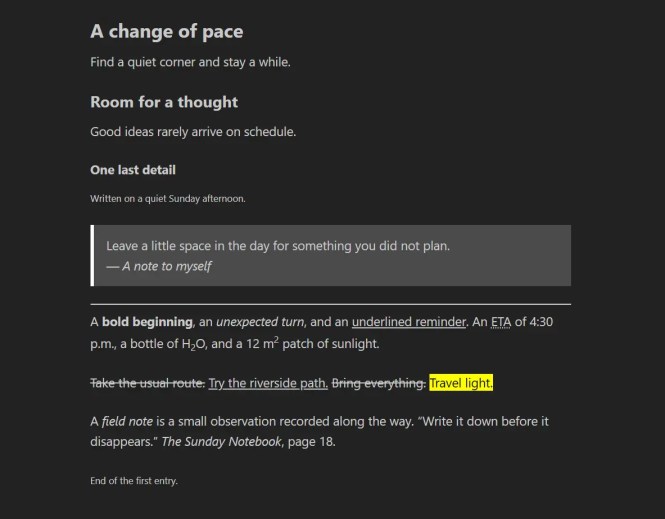
Features:
- Reading-focused typography and page spacing.
- Styles for headings, lists, links, and forms.
- Alternate themes, including a dark stylesheet.
- Sass variables for custom themes.
MCSS
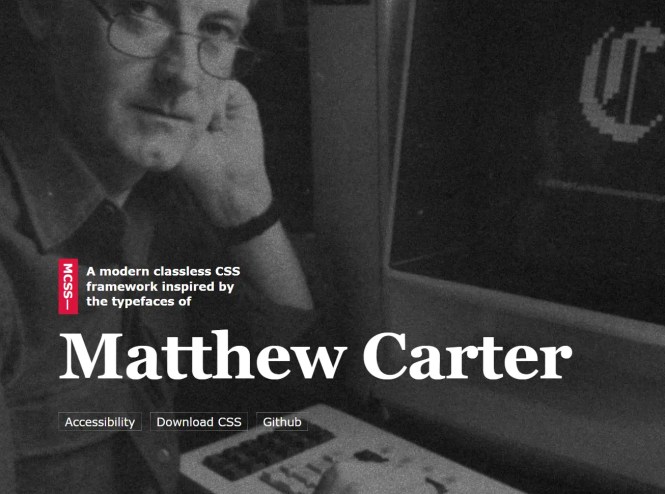
MCSS builds its design around two familiar typefaces: Georgia and Verdana. Each theme produces a different reading experience for editorial sites, essays, and text-heavy pages.
Features:
- Georgia and Verdana typography themes.
- Theme selection via
data-themeon<html>. - Dark colors that follow the system preference.
- Styled quotations, tables, forms, and articles.
Magick.css
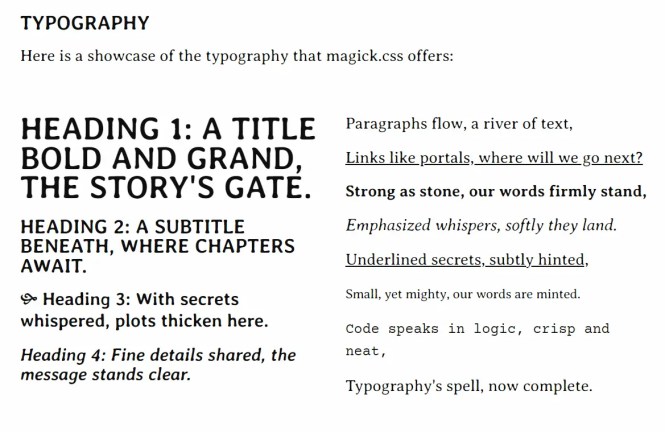
Magick.css has a distinctive, book-inspired design with decorative typography and generous spacing. Its decorative styles work well for essays, storytelling sites, personal blogs, and other long-form pages. The stylesheet also includes patterns for annotations and sidenotes.
Features:
- Book-inspired type and page styling.
- Styled blockquotes, code, and long-form content.
- Sidenote and annotation styles.
- Mostly classless HTML styling.
Pico.css
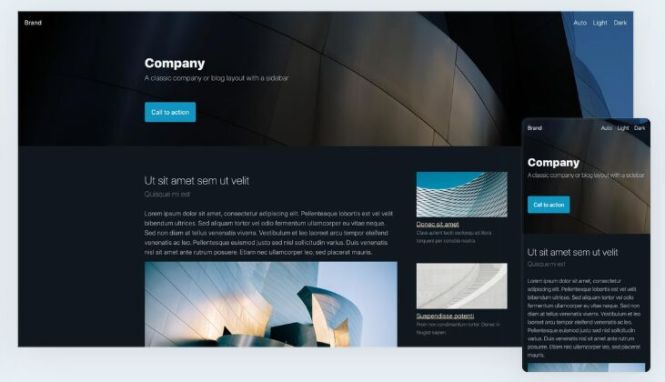
Pico.css has an extensive set of styles for semantic HTML, including forms, navigation, buttons, and common UI components. It also provides a dedicated classless stylesheet for HTML-first pages and CSS custom properties for theme customization.
Features:
- Extensive form and native-element styling.
- Dedicated
pico.classless.min.cssbuild. - Light and dark color schemes.
- CSS variables and component styling.
Try a Classless CSS Framework
A classless stylesheet can style a basic HTML page immediately. This example uses Water.css from its public CDN. Replace the stylesheet link to explore other frameworks using the same HTML content.
<!doctype html>
<html lang="en">
<head>
  <meta charset="utf-8">
  <meta name="viewport" content="width=device-width, initial-scale=1">
  <title>Project Notes</title>
  <link rel="stylesheet" href="https://cdn.jsdelivr.net/npm/water.css@2/out/water.min.css">
</head>
<body>
  <main>
    <h1>Project Notes</h1>
    <p>Updates from a small web project.</p>
    <h2>Latest Update</h2>
    <p>The project documentation is now available.</p>
    <label for="email">Email</label>
    <input id="email" type="email" placeholder="[email protected]">
    <details>
      <summary>More information</summary>
      <p>New updates will appear here.</p>
    </details>
  </main>
</body>
</html>
FAQs
Q: Do classless CSS frameworks require JavaScript?
A: The core styling works through CSS. Some optional extensions, such as dev.css’s scroll-to-top feature, use JavaScript.
Q: Can I use them with static site generators?
A: Yes. Static site generators that produce ordinary HTML can use a classless stylesheet. This works well for Markdown-based articles and documentation.
Q: Can I customize a framework’s default colors and fonts?
A: Yes. Many frameworks include CSS custom properties, Sass variables, or alternate theme files. You can also load your own CSS after the framework stylesheet.
Q: Which frameworks have dark themes?
A: Simple.css, Water.css, new.css, Sumi.css, MCSS, and Pico.css include light/dark styling. Sakura and dev.css include alternative theme stylesheets. MVP.css can follow the system preference with color-mode="user".