


QuantumAlert is a simple-to-use JavaScript library for creating elegant, customizable dialog boxes to replace the browser alert, confirm, and prompt popup boxes.
Features:
- CSS3 powered open/close animations.
- 3 built-in themes: Light, Dark, Dark Blue.
- 4 dialog types: success, error, warning, and info.
- Custom dialog icon.
How to use it:
1. Download the library and insert the QuantumAlert’s files into the HTML.
<link rel="stylesheet" href="minfile/quantumalert.css" />
<script src="minfile/quantumalert.js"></script>
2. Create alert dialog boxes with different themes.
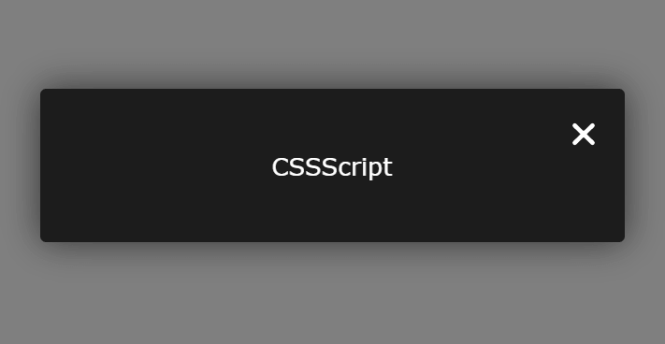
// light theme
Qual.sw('CSSScript');
// dark theme
Qual.sd('CSSScript');
// dark blue theme
Qual.sdb('CSSScript');
3. Create alert dialog boxes with headers.

// light theme
Qual.sw('CSSScript', 'Light Theme');
// dark theme
Qual.sd('CSSScript', 'Dark Theme');
// dark blue theme
Qual.sdb('CSSScript', 'Dark Blue Theme');
4. Create an alert dialog with an animated error icon.
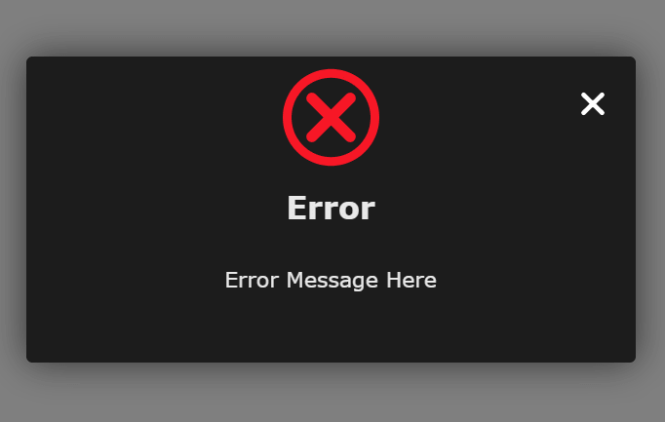
// light theme
Qual.error('CSSScript', 'Light Theme');
// dark theme
Qual.errord('CSSScript', 'Dark Theme');
// dark blue theme
Qual.errordb('CSSScript', 'Dark Blue Theme');
5. Create an info dialog with an animated info icon.

// light theme
Qual.info('CSSScript', 'Light Theme');
// dark theme
Qual.infod('CSSScript', 'Dark Theme');
// dark blue theme
Qual.infodb('CSSScript', 'Dark Blue Theme');
6. Create a success dialog with an animated success icon.

// light theme
Qual.success('CSSScript', 'Light Theme');
// dark theme
Qual.successd('CSSScript', 'Dark Theme');
// dark blue theme
Qual.successdb('CSSScript', 'Dark Blue Theme');
7. Create a warning dialog with an animated warning icon.
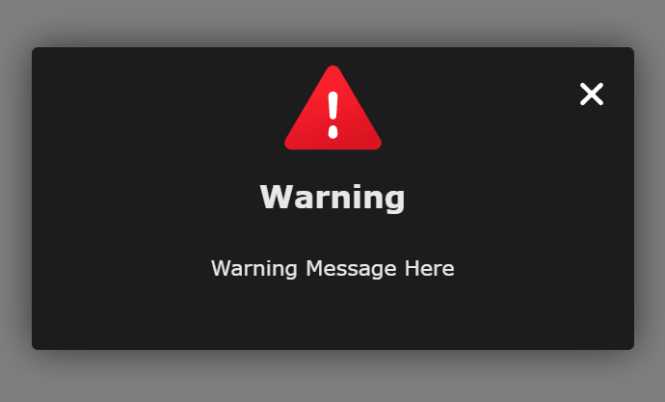
// light theme
Qual.warning('CSSScript', 'Light Theme');
// dark theme
Qual.warningd('CSSScript', 'Dark Theme');
// dark blue theme
Qual.warningdb('CSSScript', 'Dark Blue Theme');
8. Create an alert dialog with a custom icon.
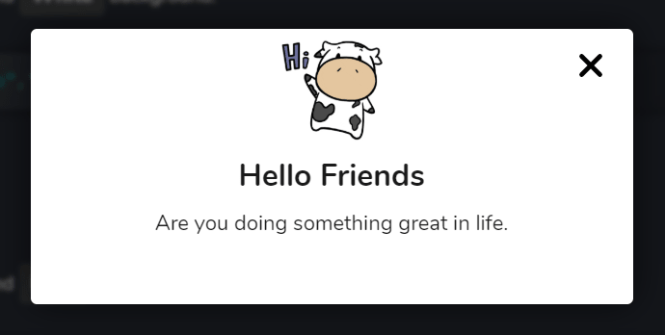
// light theme
Qual.icon('CSSScript', 'Light Theme', 'icon.svg');
// dark theme
Qual.icond('CSSScript', 'Dark Theme', 'icon.svg');
// dark blue theme
Qual.icon('CSSScript', 'Dark Blue Theme', 'icon.svg');
9. Create a confirm dialog with the following parameters:
- pop_heading_value: Confirm Title
- pop_heading_content: Confirm Message
- icon: succ, err, inf, or war
- yes_btn: Text for confirm button
- no_btn: Text for cancel button
- yes_btn_fun: custom function fired on confirm
- no_btn_fun: custom function fired on cancel
// light theme
Qual.confirm(
  'Are you sure you want to continue',
  'Click Ok button to continue and Cancel to Close',
  succ,
  'OK',
  'Cancel',
  'Ok_btn_function'
)
// dark theme
Qual.confirmd(
  'Are you sure you want to continue',
  'Click Ok button to continue and Cancel to Close',
  succ,
  'OK',
  'Cancel',
  'Ok_btn_function'
)
// dark blue theme
Qual.confirmdb(
  'Are you sure you want to continue',
  'Click Ok button to continue and Cancel to Close',
  succ,
  'OK',
  'Cancel',
  'Ok_btn_function'
)
10. Create a prompt dialog with extra parameters:
- type_field: input field type
- place_holder: placeholder text
Qual.confirmdb(
  'Are you sure you want to continue',
  'Click Ok button to continue and Cancel to Close',
  succ,
  'OK',
  'Cancel',
  'Ok_btn_function',
  "text",
  "Enter your name"
)
Changelog:
08/27/2020
- Update quantumalert.css
See Also:
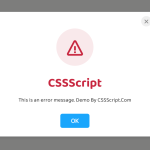 Create Custom Stylish Dialogs with SnapDialog JavaScript Library
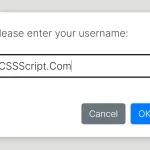 Async, Promise-based Alert/Confirm/Prompt Dialogs – Prompts.js
 Create & Manage Bootstrap 5 Modals Using use-bootstrap-dialog JS Library
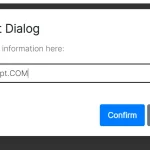 Beautiful & Functional Custom Dialogs In JavaScript – Dialog-JS
 Lightweight Customizable Modal and Alert Library – SilverBox.js
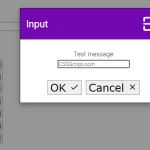 Minimal Customizable Modal Dialog Boxes In JavaScript – msg.js
 Custom Alert/Confirm/Prompt Popup Box JavaScript Library – attention.js
 Pretty Non-blocking Dialog Popup JavaScript Plugin – Prompt-Boxes