


piklor.js is a small, standalone JavaScript library that lets you select a color from a color palette and apply it to given elements.
How to use it:
Load the piklor.js JavaScript library in the web page.
<script src="js/piklor.js"></script>
Create the html for the color picker.
<div class="picker-wrapper">
  <button class="btn">Select a color</button>
  <div class="color-picker">
  </div>
</div>
Enable the color picker and apply the user select color to specified elements.
window.addEventListener("load", function () {
    var pk = new Piklor(".color-picker", [
            "#1abc9c"
          , "#2ecc71"
          , "#3498db"
          , "#9b59b6"
          , "#34495e"
          , "#16a085"
          , "#27ae60"
          , "#2980b9"
          , "#8e44ad"
          , "#2c3e50"
          , "#f1c40f"
          , "#e67e22"
          , "#e74c3c"
          , "#ecf0f1"
          , "#95a5a6"
          , "#f39c12"
          , "#d35400"
          , "#c0392b"
          , "#bdc3c7"
          , "#7f8c8d"
        ], {
            open: ".picker-wrapper .btn"
        })
      , wrapperEl = pk.getElm(".picker-wrapper")
      , header = pk.getElm("header")
      , footer = pk.getElm("footer")
      ;
    pk.colorChosen(function (col) {
        wrapperEl.style.backgroundColor = col;
        header.style.backgroundColor = col;
        footer.style.backgroundColor = col;
    });
});
Changelog:
01/06/2020
- fix indentation
See Also:
 Elegant Mobile-compatible Color Picker Component – pickr
 Modern Color Picker Component: Support for OKLCH, P3, and More – css-color-component
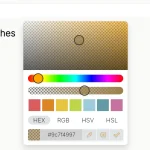 Modern Feature-Rich Color Picker in Vanilla JavaScript – jscolorpicker
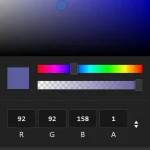 Mobile-friendly & Keyboard Accessible Color Picker – Alwan
 Accessible Color Picker – Coloris.js
 Customizable Color Picker For The Web – Grid Color Picker
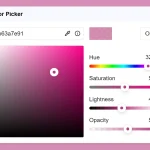 Lightweight & Fast Color Picker Web Component – color-dialog-box
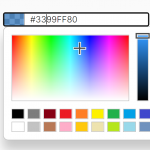 Customizable Mobile-friendly Color Picker – jscolor